Golf · iOS App
Sharpen your game with Breakfast Ball. Track practice sessions, analyze on-course performance, monitor progress over time, and uncover insights that help golfers practice smarter, play better, and lower their scores.
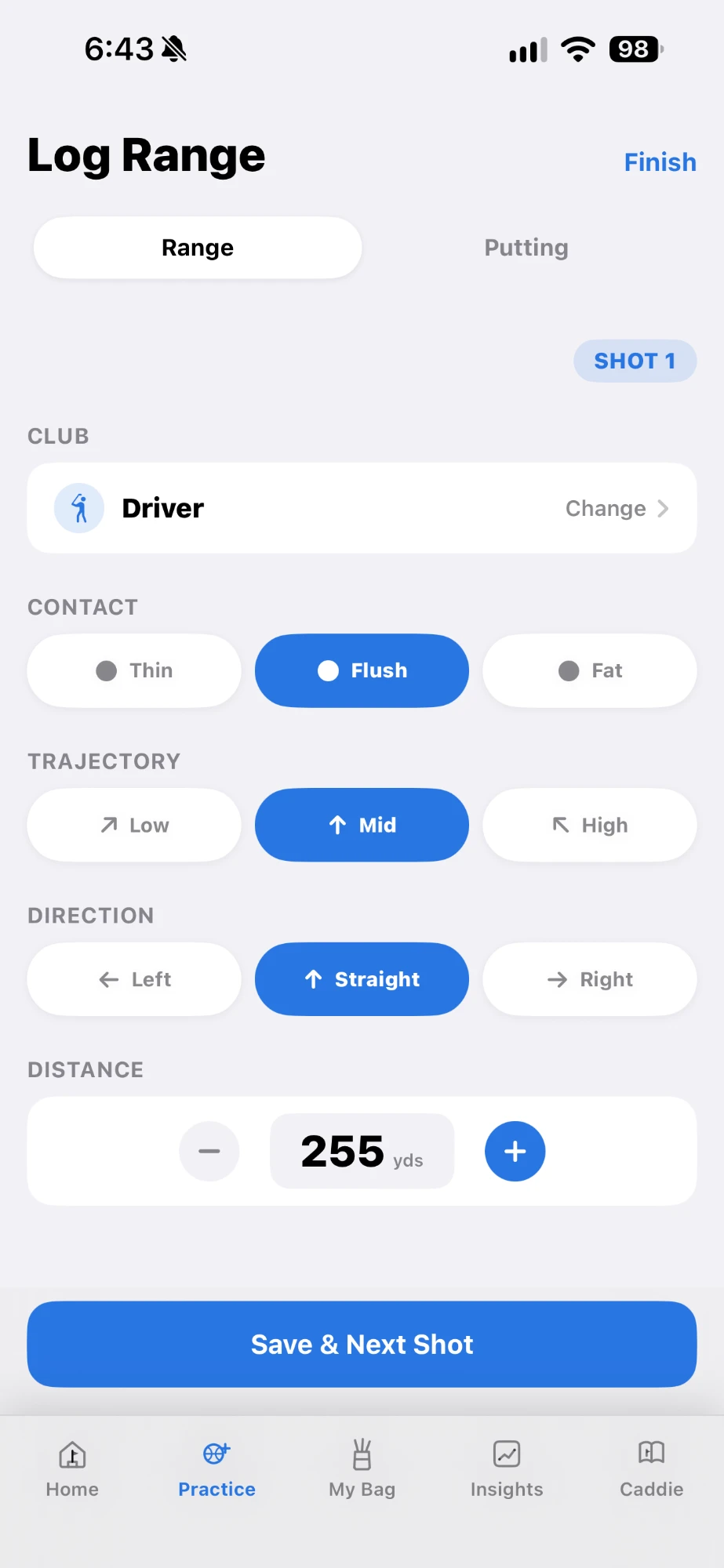
Download on the App StoreTrack range shots by club, contact, trajectory, direction, and distance — build a real picture of your swing over time.
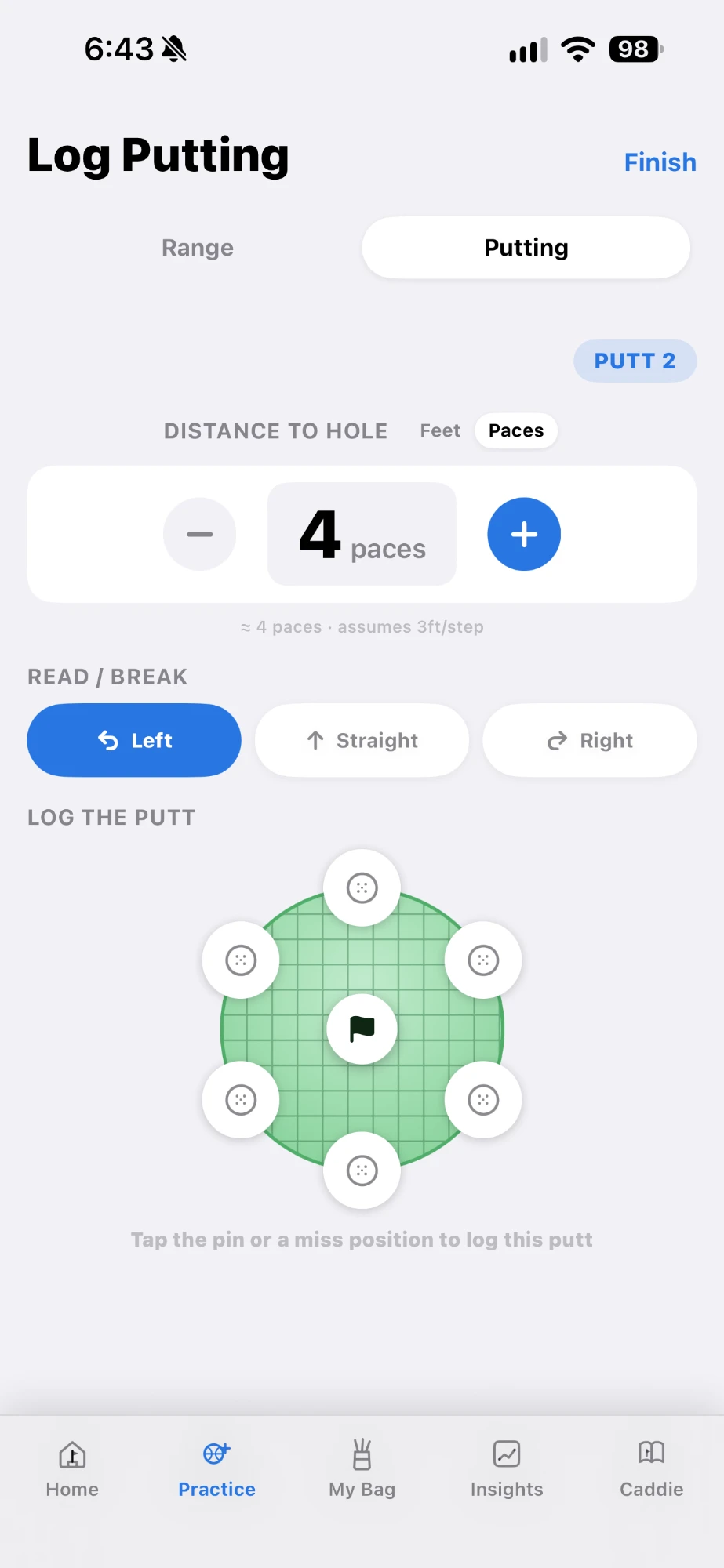
Log putts by distance, break, and result to see exactly where strokes are being gained or lost on the green.
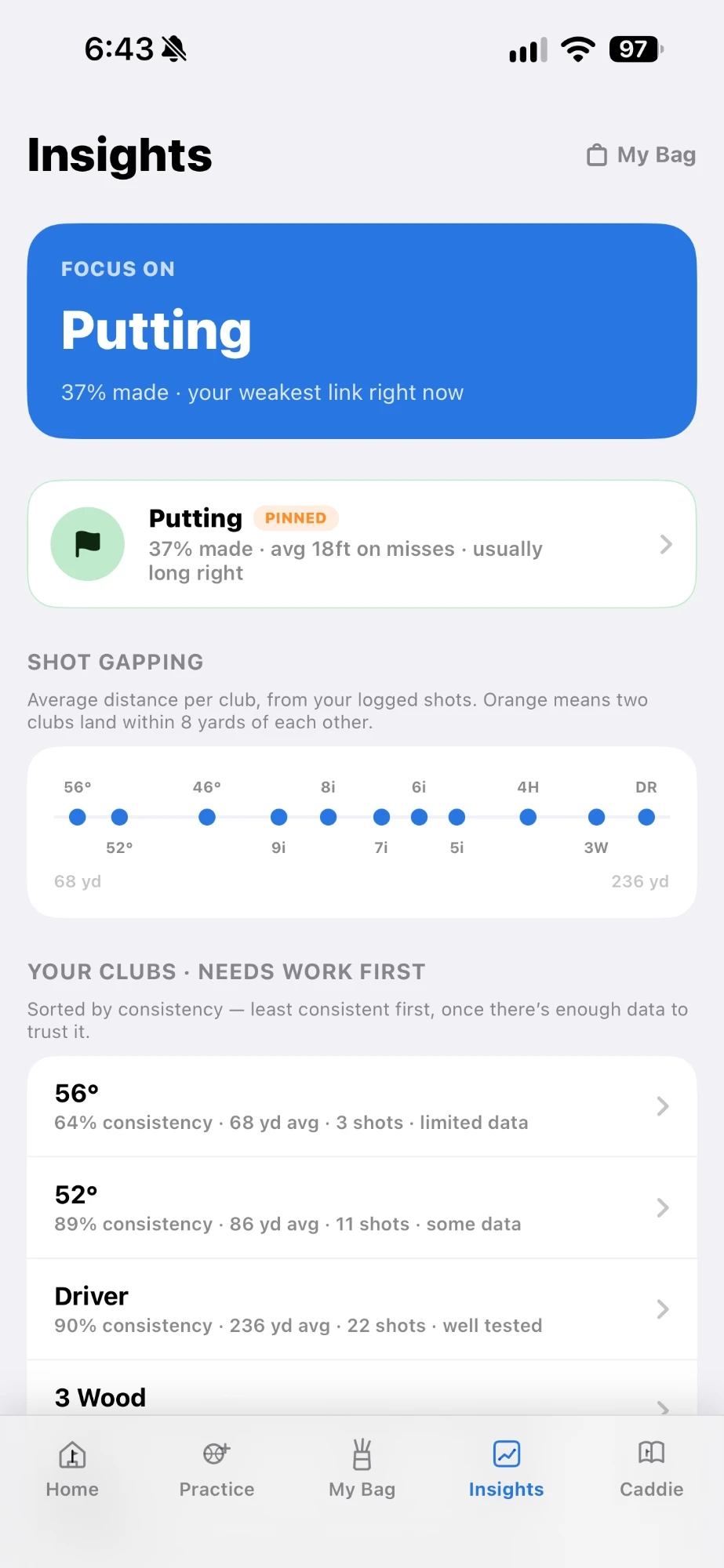
See your shot gapping, your weakest link, and which clubs need work — sorted by real consistency, not guesswork.
Manage your own club bag and keep notes tied to your real setup, not a generic template.
There's no sign-up. If you're signed into iCloud, your practice data syncs automatically across your devices.
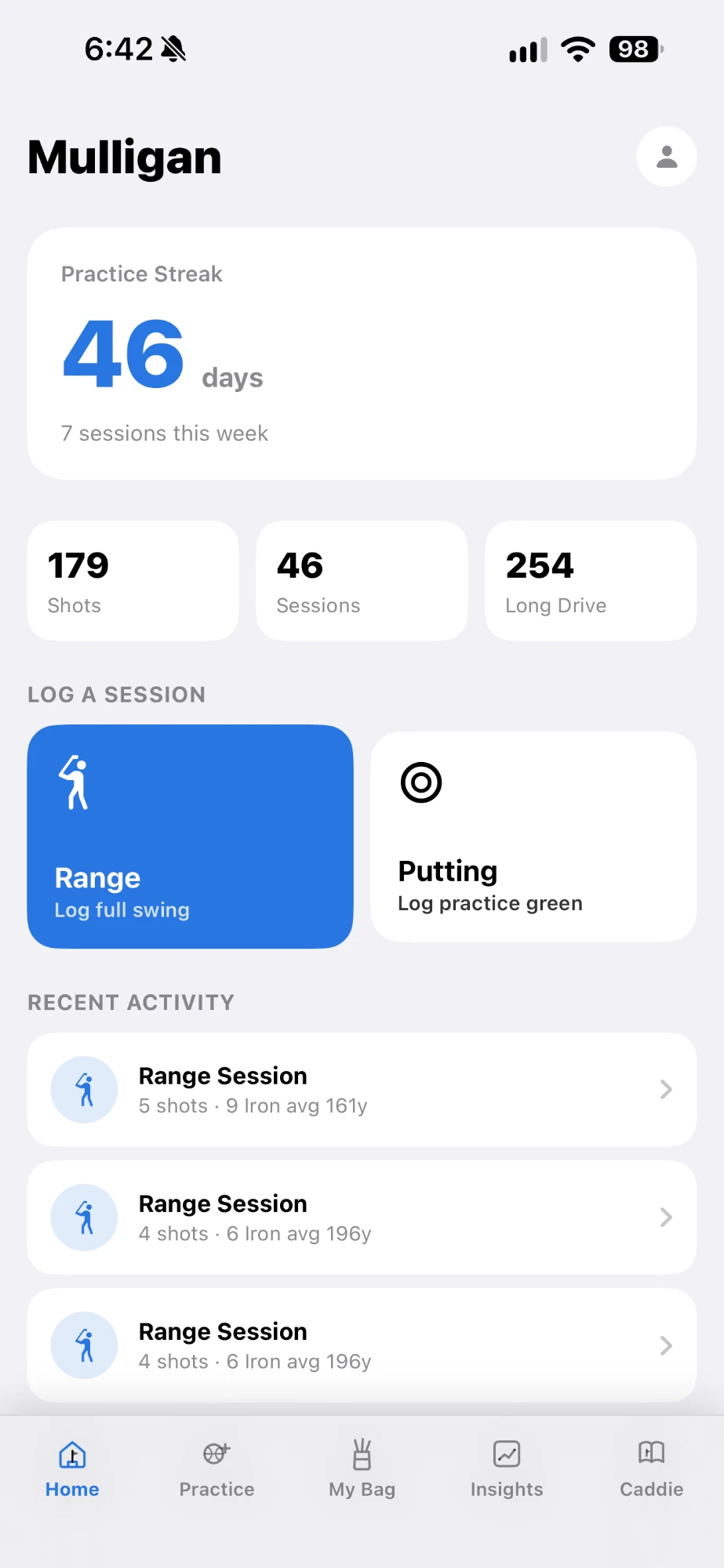
Streak, sessions, shots, and long drive — see where you stand the moment you open the app.
Shot gapping, club consistency, and your weakest link — surfaced automatically from your own data.
Set the distance and break, then tap where it missed — no typing required.
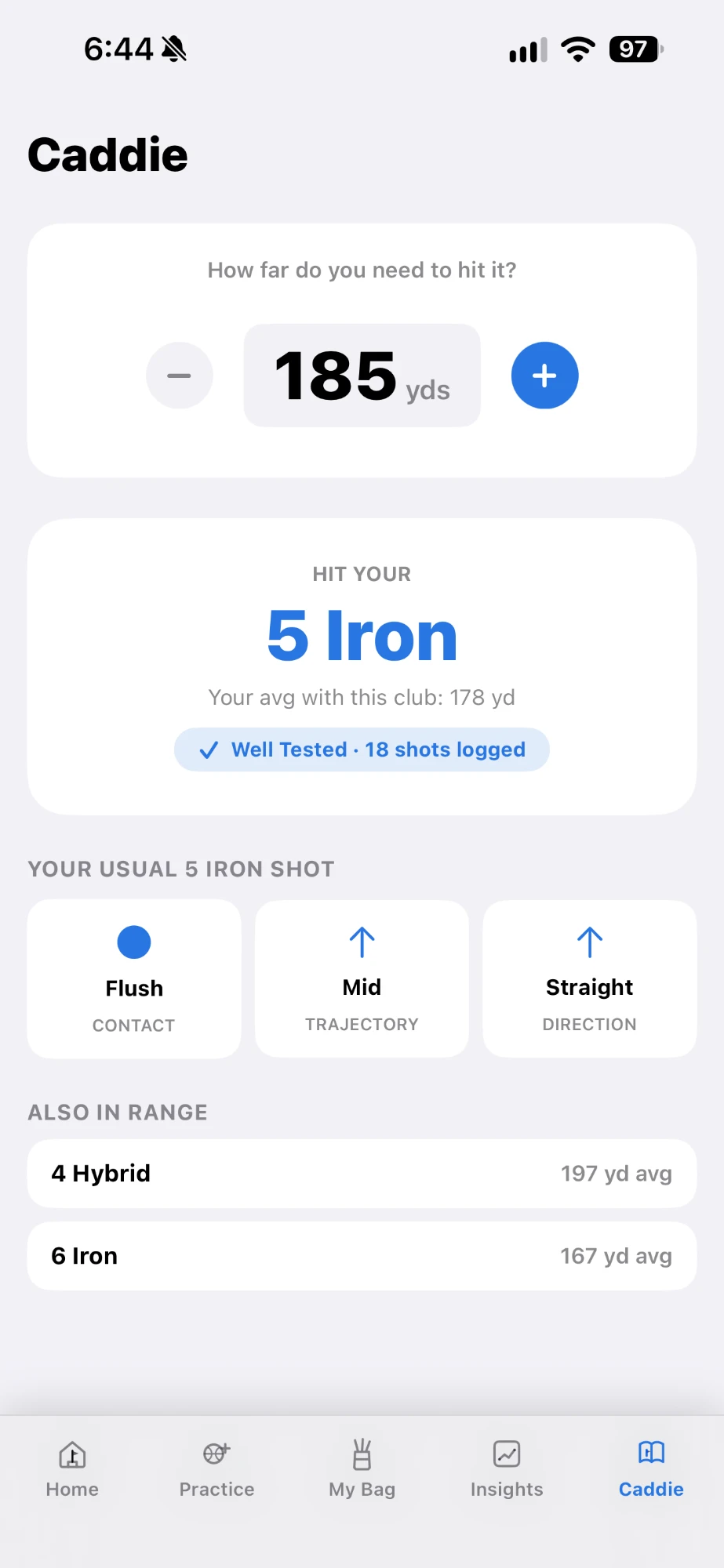
Ask how far you need to hit it and get the right club, based on what you actually average.
Club, contact, trajectory, direction, distance — quick taps, no fuss.
Breakfast Ball is available now on the App Store.
Download on the App StoreNo. Breakfast Ball has no sign-up, login, or password. If you're signed into iCloud, your practice data syncs automatically across your devices.
In your own private iCloud account, via Apple's CloudKit. It's never sent to us and never stored on any server we operate.
Range shots (club, contact, trajectory, direction, distance), putts (distance, break, result), your club bag, and any notes you write.
No. Breakfast Ball doesn't collect or access your location, contacts, photos, camera, microphone, or health data.
We don't sell it or share it for marketing. The only parties involved are Apple (iCloud, storing your data) and Google (Firebase Analytics, anonymous usage events only).
Not yet — it's an iOS app today.
Yes. Settings → Delete All Data removes everything you've logged in the app.
Questions, feedback, or something not working right? We're here to help.
Breakfast Ball stores your practice data in your own private iCloud account — not on our servers. Read the full policy for details.